Grammarly
What Grammarly is
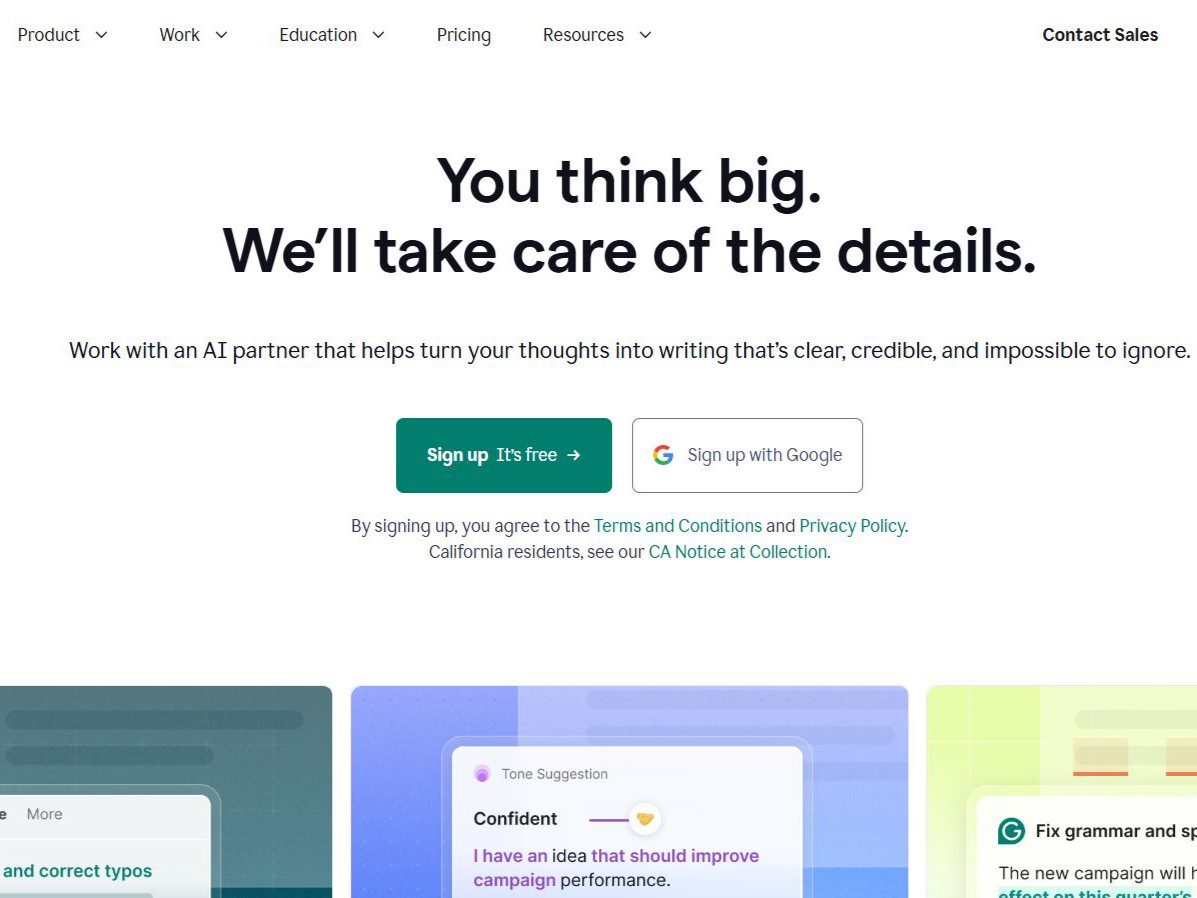
Grammarly is an English-only writing assistant, launched in 2009, that checks spelling, grammar, punctuation, clarity, and tone in its own editor, a browser extension, desktop apps, and a mobile keyboard. Paid plans rewrite full sentences. Many people treat it as a souped-up spell checker, which is not wrong but misses how much has changed around it.
In July 2025 Grammarly acquired the Superhuman email client, and in October 2025 the parent company renamed itself Superhuman Platform Inc. The site footer now reads 2026 © Superhuman Platform. The product itself is still there, the pricing page still shows Free, Pro, and Enterprise tiers, but the corporate reshuffling has continued, including the February 2026 acquisition of Rows, an AI spreadsheet company. None of this breaks the day-to-day checking, but it is worth knowing who is behind the tool before you feed it your writing.
Current pricing and what each tier includes
Everything below comes from the official pricing page as checked in August 2026. Prices move, so treat the official page as the source of truth.
| Plan | Price | What you get | Notes |
|---|---|---|---|
| Free | $0/month | Spelling, grammar, tone feedback, 100 AI prompts/month | Good for a first test |
| Pro | $12 USD/month | Full-sentence rewrites, tone adjustment, plagiarism detection, AI text detection, citation consistency, 2,000 prompts/month | 7-day free trial, reminder email 2 days before it ends |
| Enterprise | Contact sales | Everything in Pro, plus BYOK encryption, custom roles and permissions, data loss prevention, dedicated support, delivered through Superhuman Go | Aimed at larger organizations |
A few things trip people up. The $12 headline price does not state its billing cycle on the comparison table, and the FAQ only mentions invoicing for annual plans, so check the checkout page for monthly versus yearly billing before you commit. Plagiarism detection and AI text detection are paid-tier features; the free tier has neither. Generative features are metered in prompts, 100 per month on Free and 2,000 per member per month on Pro, and when they run out you wait for the next cycle.
What it actually helps with
The value concentrates in the review pass after a draft exists. An important email, a submission-ready document, a product page paragraph, run it through Grammarly once it is written and it will catch typos and grammar slips along with sentences that run too long or read too sharp. For non-native English writers this pass saves real back-and-forth.
The paid full-sentence rewrite earns its keep when you are stuck on one expression. After three unsuccessful attempts at a sentence, Pro will offer several rewrites and one is often usable as-is. Plagiarism checks compare your text against public web pages, which is a reasonable self-check before submitting work. AI text detection is a different animal, its judgments about machine-generated text are not reliably correct, and no detector output should be treated as a final verdict.
Three practical tips
- Work in the dedicated editor for anything important The browser extension fires in every input field on every page, webmail, documents, chat tools. For text that matters, write in Grammarly's own editor or desktop app, finish the check, then paste the result where it is going. Suggestions stay concentrated and nothing pops up in unrelated pages.
- Settle the argument first, then run the check It works on language, not on what you mean. Lock the content and structure, then run the pass for spelling, grammar, and length. Doing it the other way around, letting it draft and then editing, produces text that sounds like neither you nor it.
- Keep a personal reject list It flags colloquial phrasing, industry terms, and deliberate voice as problems. Reject those on sight and turn off the rules behind the most frequent false positives in settings. After a few rounds you will know which suggestions can be accepted in bulk and which need line-by-line review.
Limits and risks
The biggest limit is that it supports English only, covering American, British, Canadian, and a few other variants. It cannot help with Chinese or other languages. The next limit is voice. It prefers clean, standard phrasing, so deliberate colloquialisms, dialect color, and quoted speech get flagged for "improvement." A grammatically tidy sentence that lost the writer's voice is not automatically better than the original.
Privacy deserves a real look. The browser extension has to read what you type in order to work, and that mechanism has drawn public debate about whether it amounts to a keylogger; the company says text is encrypted in transit and at rest. AI training is a separate item to check. Under the current privacy policy the company uses collected information to train its AI models, and users can adjust training controls in account settings to keep their content out of training. Before writing anything sensitive, confirm that setting's state.
One more controversy dates from March 2026. Grammarly's Expert Review feature attaches real authors' names to AI suggestions, as reported by The Verge. The company did not pull the feature back, it offered an opt-out mailbox, expertoptout@superhuman.com. If you are an author and do not want your name used this way, that address is the documented way out.
What public discussion sounds like
I went through the main Hacker News threads about Grammarly from recent years. The sample skews technical and heavy-writing users, and the critical side outweighs the praising side, though even paying users voice concerns, one subscriber described paying for it while worrying about the security risk of handing it everything they write.
The criticism clusters in three places. Price comes first, with long-time subscribers saying they now run English checks through general-purpose LLMs and find cheaper alternatives to what cost $12 to $30 a month. Privacy comes second, with users saying they want a tool that processes text locally instead of shipping every keystroke to a server, and one pointing out that the extension injects a noticeable amount of script into every page. The acquisition's direction comes third. In the thread on the Superhuman deal, commenters worried the email client would fade away after being bought, citing Dropbox and Mailbox as precedent, while others read Grammarly as running a Salesforce-style holding-company play, buying products with slowing growth and loyal users, with no settled answer on whether that ends well for customers. Open-source alternatives came up throughout, with Harper and LanguageTool named most often.
These are individual reports, not a benchmark. A more reliable test is to run your own most typical English writing through the free tier for a week and see whether the errors it catches and the rewrites it offers are worth $12 a month to you.
Who should use it, who can skip it
Good fit. Professionals who write English email, reports, or copy daily, non-native writers who want a confidence layer, small teams that need a consistent tone across many apps, and students doing a final self-check before submission. The free tier covers most of the first group's needs.
Skip paying for now if your English is already strong and you only need occasional spell checks, the free tier is enough. If you mainly write Chinese, it has nothing for you. If you are data-sensitive and do not want your text passing through a third-party server, look at LanguageTool's self-hosted edition or the open-source Harper, both recommended repeatedly in community threads.
Useful links
- Grammarly plans page, the source of truth for prices, tier features, and trial terms
- Grammarly trust center, SOC 2 report, ISO certifications, and compliance information
- Privacy policy, including the AI training controls
- Hacker News thread on the Superhuman acquisition, 188 points and 133 comments
- Related reading on this site, Copy.ai and Jasper for generating marketing copy, ChatGPT and Claude as general writing assistants, each a different job from Grammarly's