Otter.ai
What Is Otter.ai?
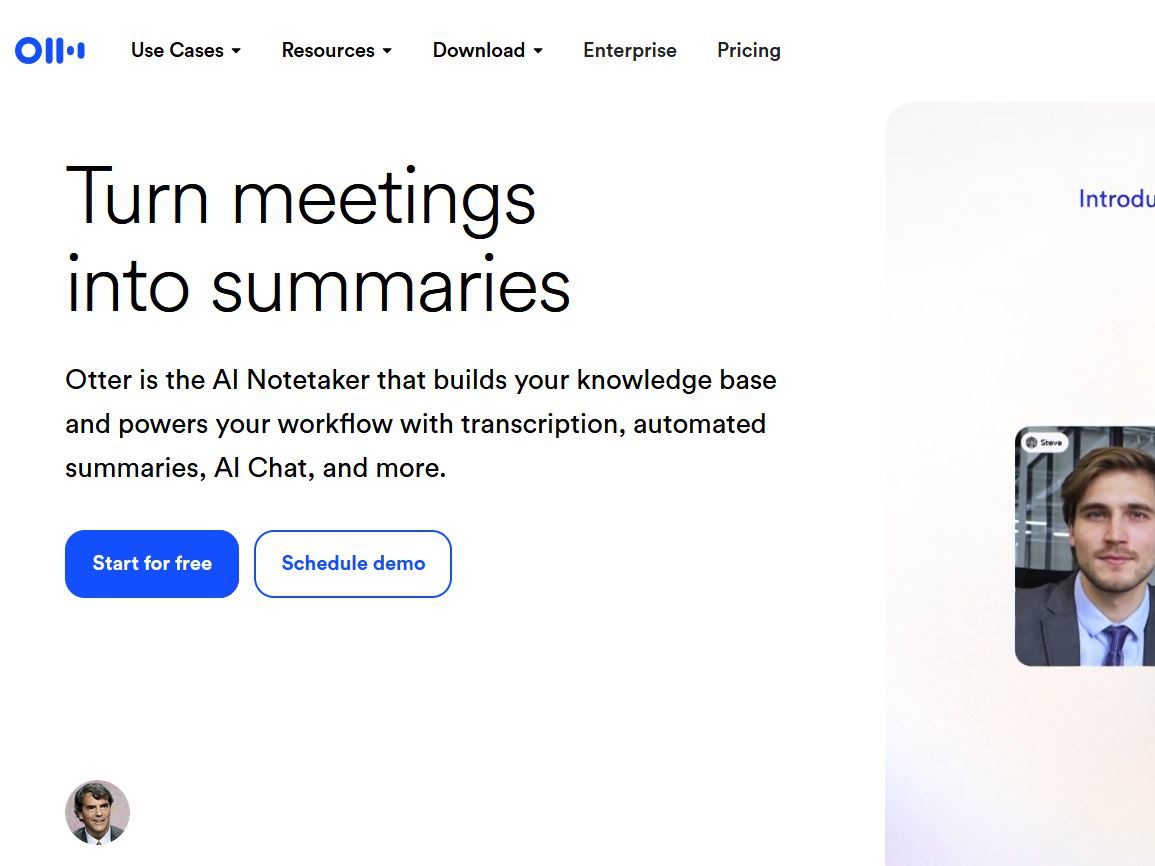
Otter.ai is a meeting transcription and note-capture tool. It can send an AI meeting agent to join Zoom, MS Teams, and Google Meet on your behalf, or record directly from your Mac, Windows desktop app, or a Chrome extension without adding a visible bot to the call. Transcription appears live as the meeting runs, and afterwards Otter generates a summary with key points and action items. Every conversation becomes searchable and exportable.
The product has grown past plain transcription. AI Chat answers questions across all your recorded meetings, such as what a given customer agreed to last month. Channels group meetings by team or project. An official MCP server lets external AI tools like ChatGPT or Claude access your meeting content through a controlled connection. Sales and recruiting agents are separate product branches that this review does not cover.
Core Capabilities
- Live transcription with speaker labels. Text streams in real time, segmented and tagged by speaker. Supported transcription languages include English, Spanish, French, German, Japanese, and Chinese.
- Automatic summaries and action items. After each meeting you get an outline, key takeaways, and assigned next steps.
- Three capture modes. Send the agent into online meetings, record bot-free from desktop or Chrome, or record from the mobile apps.
- Cross-meeting search. AI Chat searches all historical meetings and connected apps, and can draft follow-up emails and reports from what it finds.
- Integrations and MCP. Calendar sync, Zoom cloud-recording import, Salesforce, HubSpot, and Zapier on paid tiers; the MCP server exposes meeting knowledge to other AI assistants with your authorization.
Pricing and Plan Limits
The numbers below come from the official pricing page as verified in August 2026, using annually-billed monthly prices; monthly billing costs more.
| Plan | Price (annual, per user/mo) | Monthly transcription/recording | Max per meeting | File imports |
|---|---|---|---|---|
| Basic | $0 | 300 minutes | 30 minutes | 3 lifetime |
| Pro | $8.33 | 1,200 minutes | 90 minutes | 10 per month |
| Business | $19.99 | Unlimited | 4 hours | Unlimited |
| Enterprise | Custom quote | Unlimited | 4 hours | Unlimited |
Pro bills at $16.99 and Business at $30 on monthly billing. Several details trip people up. Minutes reset monthly with no rollover. The Basic plan's 3 file imports are a lifetime allowance, not monthly. Workspace size caps at 5 members on Basic and Pro (Pro allows up to 5 billed users) and 25 billed users on Business. The agent can attend 1 concurrent meeting on Basic, 2 on Pro, and 3 on Business. SSO, SCIM, and activity logs arrive at Business and above, and HIPAA compliance is a paid add-on at Enterprise. Custom AI meeting templates are also metered by tier, starting at 5 meetings per user on Basic.
A Typical Workflow
Connect your calendar and the loop runs itself. Before a call, the agent joins automatically, or you record locally from the desktop app. During the call the transcript scrolls live and participants can correct it. Afterwards Otter produces the summary and action items; you spend two minutes checking who committed to what, then paste the decisions into a project channel or ticket. Later in the week you ask AI Chat which integration problems customers raised, and the answer comes from the actual meetings.
A second common pattern is post-meeting import. Drop a Zoom cloud recording or an audio file into Otter, where it draws against your import allowance and lands in the same searchable archive as live meetings. Journalists and researchers use this route for interviews.
Five Practical Tips
- Build the team vocabulary before important meetings. Pro's Team Vocabulary pins company names, product names, and client spellings. Proper nouns are where transcription fails most, and fixing them upstream saves hours of cleanup.
- Treat summaries as an index, not minutes. Automated summaries drop qualifiers and tone. Jump from a summary line to the audio at that timestamp before treating a commitment as real.
- Use bot-free desktop recording for sensitive calls. When a client or lawyer would balk at a recording bot, record from the desktop app instead of sending the agent. It lowers the awkwardness and the compliance argument on the spot.
- Plan around the per-meeting cap. Basic cuts off at 30 minutes and Pro at 90. Any meeting longer than that loses its tail on lower tiers; split it manually or upgrade first.
- Export transcripts to a system you control. Sync transcripts and action items into Notion or your CRM. Minutes, tiers, and integration policies change; your meeting record should outlive any of them.
Limitations and Risks
Accuracy depends heavily on conditions. Crosstalk, accents, jargon, names, weak microphones, and network audio all degrade recognition, and non-English languages generally trail English accuracy. Summaries make their own mistakes, recording a joke as a decision or dropping the word "if" from a conditional. Treat the output as a retrieval and drafting aid, and keep the human check.
Consent and compliance deserve the most careful thought. Sending a recording agent into a meeting brings a third party into the conversation. Recording-consent law varies by jurisdiction; some US states require all-party consent, and processing voice data in the EU needs a lawful basis under GDPR. A 2022 Hacker News thread with 612 points describes a user who had disabled OtterPilot auto-join, yet the bot entered two confidential meetings, recorded them, and emailed every attendee a summary; the comment section argued over liability and wiretapping law. Whatever the details of that case, the lesson holds. Audit the calendar integration yourself, and confirm the agent's status before anything sensitive.
Two data-side facts are worth knowing. The privacy policy's list of processor categories includes data labeling providers and AI service providers, which means voice and transcript data can be touched in service-improvement flows. Deletion and export rights depend on your plan and workspace admin settings. Regulated teams in healthcare, legal, or finance should settle the data agreement, region, and retention period before rolling Otter out.
What Public Feedback Says
Across public discussions, the praise clusters around three points: live English transcription good enough to work from, cross-meeting search that connects decisions scattered across weeks, and a free tier that lets you start at zero cost. The complaints cluster too: the 30-minute cap on Basic is tight, occasional agent-join incidents make people nervous, non-English accuracy and summaries are uneven, and per-user subscription pricing adds up for larger teams. These are individual experience reports rather than a benchmark. The sensible test is to run one of your own typical meetings through the free tier and judge the transcript, summary, and search against your own review bar before paying.
Who Should Use It, and Who Should Not
It fits sales, customer success, recruiting, and remote teams that run many calls and want searchable notes with tracked action items; journalists and researchers transcribing interviews; and students building a searchable lecture archive. Zoom and Teams ship built-in transcription, but it stays inside each platform with weak search, so people meeting across platforms notice the difference.
It does not fit teams whose data cannot leave the local environment, legal or medical settings with strict consent requirements unless an Enterprise agreement covers them, or anyone expecting publication-grade transcripts with no proofread. Long meetings get truncated on lower tiers, so heavy users should do the minutes math before choosing a plan.
Useful Links
- Otter.ai pricing (plans, minutes, and limits live here)
- Otter.ai privacy policy
- Hacker News thread on the Otter bot recording meetings without consent (2022)
- Hacker News thread on reporters, Otter, and cloud-transcription privacy (2022)
- On this site: Descript for transcript-based video editing, Notion AI for routing meeting content into a knowledge base, and Zapier AI for forwarding Otter action items into hundreds of apps.