Notion AI
What Is Notion AI?
Notion AI is the AI layer built directly into the Notion workspace. Instead of shuttling notes between a chat window and your knowledge base, you draft, rewrite, summarise, search, and delegate work from the pages and databases your team already maintains. The practical difference from a standalone chatbot is grounding: answers draw on your pages, connected apps such as Slack and Google Drive, and the open web, with permissions carried over from Notion.
The useful mental model is not "ask AI everything" but "keep a well-maintained workspace, then let AI read it." Pages with clear owners, real structure, and current content produce far better output than a pile of untitled docs — the AI amplifies whatever organisation you already have.
Key Features
- Drafting and rewriting: generate or improve text in any page, adjust tone and length, translate while keeping formatting.
- Summarising and action extraction: condense long pages and meeting records into decisions, action items, and open questions.
- Q&A and Enterprise Search: ask questions across your workspace plus connected tools like Slack, GitHub, and Jira; several connectors are in Beta.
- Database autofill: let AI populate properties such as categories or next steps, then review before committing.
- AI Meeting Notes: automatic transcription with a summary and follow-ups, no meeting bot required.
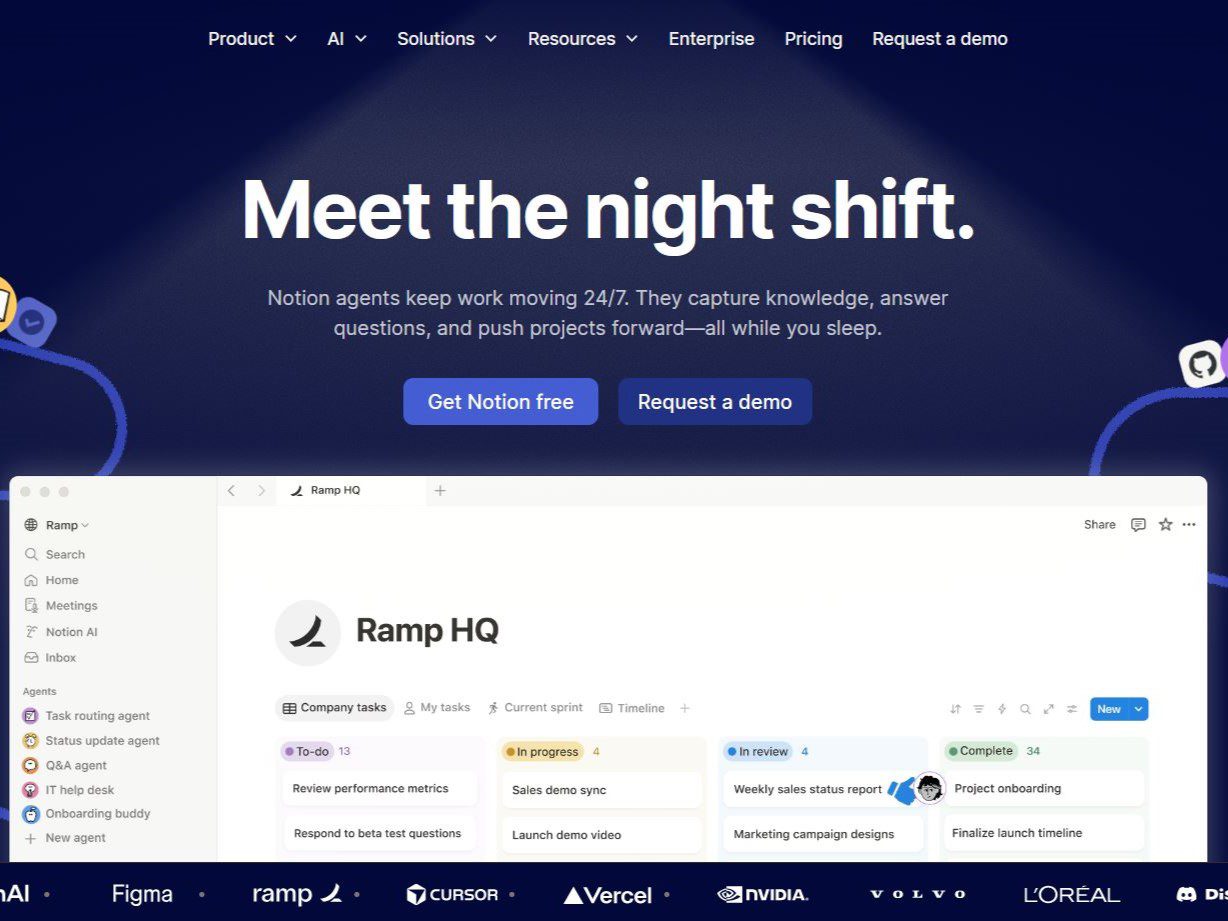
- Notion Agent: on Business and above, an agent that completes multi-step tasks using context from Notion, connected apps, and the web.
Pricing (Verified August 2026)
Notion AI is no longer a separate add-on subscription — AI features are now bundled into the plans themselves. On the official pricing page checked August 2026, the Free plan is ¥0, Plus is ¥1,650 per member/month (billed yearly; about $10), and Business is ¥3,150 per member/month (about $20), with Enterprise at custom pricing. Prices are localised by region and currency.
The AI split matters more than the headline numbers: Free and Plus include a limited trial of Notion AI — enough to test doc generation, Q&A, and database autofill, but with usage caps that run out. Business is the tier where AI lands in full: Notion Agent, AI Meeting Notes, and Enterprise Search are all included, with no per-member AI surcharge. Custom Agents are free to try, then cost $10 per 1,000 monthly Notion credits as usage scales. See Notion pricing for current numbers.
Limitations and Trade-offs
Output quality tracks the workspace it reads. Sparse, stale, or duplicated pages produce confident but thin answers, and a generated summary can drop qualifiers or invent links between notes — decisions, customer commitments, and project status still need an accountable reviewer. On Free and Plus the trial caps bite quickly, so budget for Business if AI is central to your workflow rather than occasional. Credits add a second cost axis: teams running Custom Agents or the Workers beta should watch metered usage, which starts charging for Workers on October 15. Enterprise Search depends on connector coverage, and some integrations remain in Beta, so verify your stack is supported before committing.
Who Should Use Notion AI?
It fits teams already committed to Notion as their knowledge base — startups writing docs and meeting summaries faster, product managers drafting PRDs and user stories, content teams drafting and editing, HR producing role descriptions and onboarding material. If your documentation already lives in Notion, the bundled AI removes context-switching at a predictable per-member price. Teams not on Notion should evaluate the workspace itself first; the AI layer is only as good as the base under it.
Notion AI vs Alternatives
Notion AI is a workspace layer, not a dedicated research engine or meeting recorder. For web research with citations, compare Perplexity; for dedicated meeting capture, Otter.ai. Standalone chatbots such as ChatGPT still hold an edge in open-ended reasoning and code generation, while Notion AI wins on acting against your own content in place.