How to Use LangGraph for AI Agent Workflows in 2026
If you want a short answer, here it is: LangGraph is one of the best ways to build AI agent workflows when you need real control over routing, memory, tool use, and human approval. It is free and open source under the MIT license, but it is not the easiest place to start. You are trading a visual builder for code-level control, so the fit is best for developers and technical teams, not casual no-code users.
That tradeoff is the whole story. A lot of “LangGraph tutorial” pages show a toy calculator agent and stop there. Useful, sure. But the reason people move to LangGraph is not because they want another demo. They want an agent they can actually steer when the workflow gets messy.
If that sounds like you, this guide will get you moving. And if you are still deciding between code-first and visual tools, check the LangGraph listing, the Flowise listing, and our Dify vs Flowise comparison after you finish here.
What LangGraph is good at, and where it gets painful
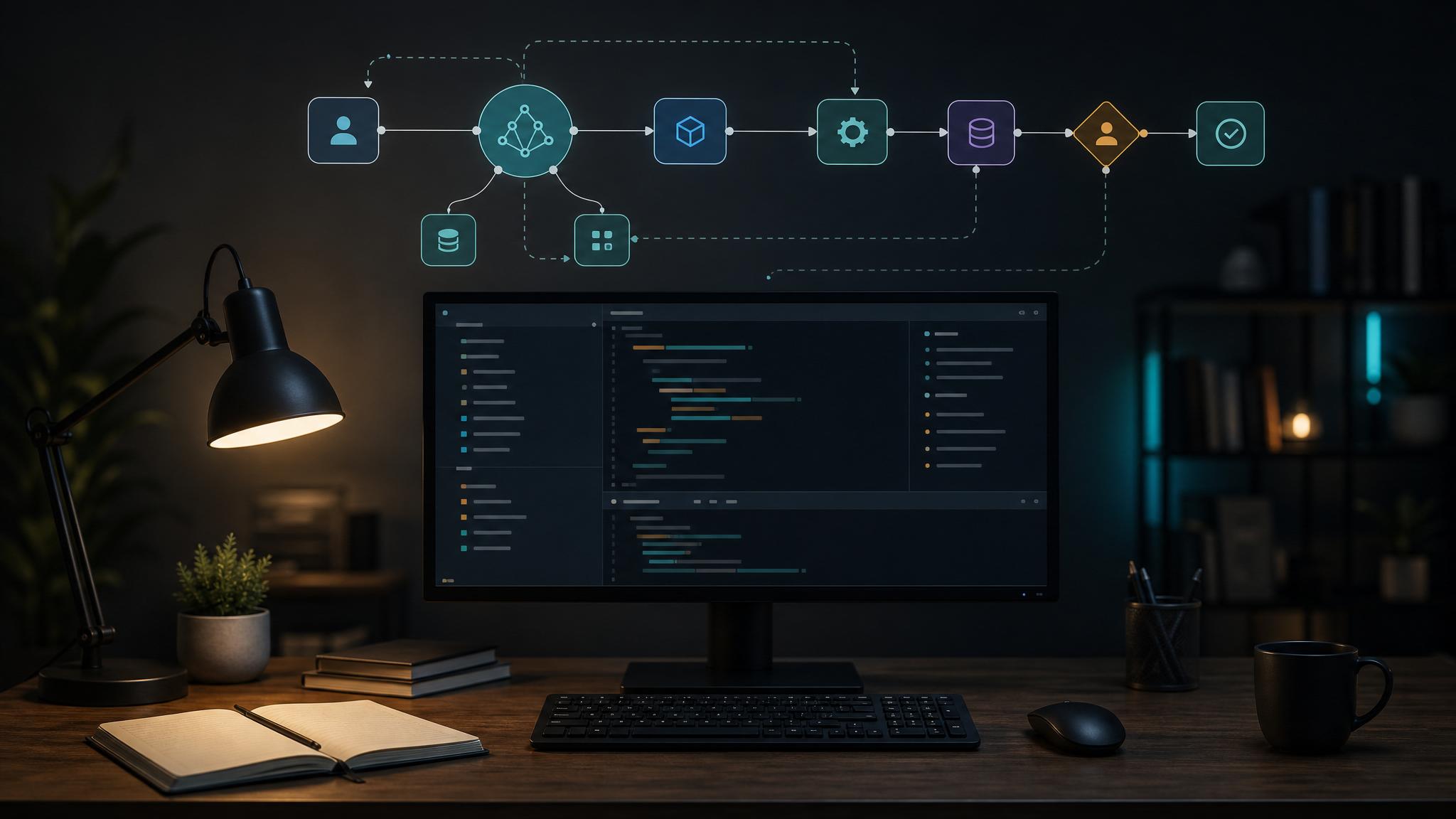
LangGraph is a low-level orchestration framework from the LangChain stack. Instead of treating an agent like one long prompt loop, it lets you model the workflow as nodes, edges, and shared state. The official quickstart offers both a Graph API and a Functional API, which is helpful because not every team wants to think in graph primitives right away.
Here is the practical fit:
- Best for: developers building multi-step agents, tool-using assistants, approval-heavy workflows, or stateful automations.
- Pricing: LangGraph itself is free. Your real costs come from model APIs, vector storage, tracing, and infrastructure.
- Big strengths: fine-grained routing, memory, human-in-the-loop controls, streaming, and easier debugging than black-box agent wrappers.
- Main limitation: it asks you to think like an engineer. If you want drag-and-drop speed, Flowise or Dify will feel lighter.
The thing is, that limitation matters. LangGraph is not hard because the syntax is impossible. It is hard because it forces you to define how your agent should behave when something goes wrong, when a tool fails, when a human needs to approve an action, or when the model should stop instead of looping again. That is exactly why serious teams like it.
What you need before you start
For a basic LangGraph tutorial project, you need Python 3.10 or newer, a model provider, and the LangGraph package itself. The official quickstart uses Anthropic, but you can swap in another supported chat model if that is already in your stack. If you want a minimal setup, install the core packages first and keep the project tiny.
- Framework layer: LangGraph plus the broader LangChain ecosystem.
- Model layer: Anthropic, OpenAI, or another provider you already trust.
- Optional but smart: tracing with LangSmith once you move beyond a toy example.
Bottom line: do not start with a giant multi-agent build. Start with one agent, two tools, one routing rule, and one clear state object.
Step 1: Define one job for the agent
Most tutorials jump straight into code. I would not. First decide what the agent is allowed to do. For a first project, good starter jobs include a support assistant that can search docs, a research helper that can call web tools, or a small internal bot that summarizes and routes tickets.
A bad first project is “build a general autonomous agent.” That sounds ambitious. It usually turns into a spaghetti workflow with no clear stop condition.
In LangGraph terms, your first design question is simple: what state needs to survive from one step to the next? In the official docs, that state includes message history and a counter for LLM calls. In a real workflow, you might also track the user ID, the last tool used, an approval flag, or a retry count.
Step 2: Start with a tiny graph, not a giant system
The official quickstart uses a calculator agent. That example is small on purpose, and it is worth copying that discipline. Your first graph only needs four moving parts:
- a model node that decides what happens next
- a tool node that runs the selected tool
- a shared state object that keeps messages and control data
- a conditional edge that decides whether the workflow should continue or stop
What matters here is the loop. The model thinks, calls a tool if needed, gets the result back, then decides whether to answer or keep working. That sounds obvious, but it is the core reason LangGraph feels better than a loose pile of agent helper functions. The workflow is explicit.
If you have used CrewAI or other higher-level agent frameworks, this will feel lower level. That is a feature. You are seeing the routing logic instead of trusting hidden defaults.
Step 3: Add tools that the model can actually use well
A lot of first-time LangGraph builds fail for one boring reason: bad tools. The framework is usually not the problem. The tool signature is.
Keep each tool narrow. Give it a clear name. Write a docstring that tells the model when to call it. Return structured data, not a messy blob. If the tool needs secret internal context, hide that in your app code instead of exposing it in the model-facing signature.
Here is the practical rule: if a human teammate would be confused by your tool name or parameter list, the model probably will be too.
Step 4: Add the control features people actually come to LangGraph for
This is where LangGraph starts to separate itself from simpler tutorials. According to the official LangGraph product pages, the framework is designed for memory, streaming, and human-in-the-loop controls. Do not leave those ideas for “later” if your real use case depends on them.
Human approval
If your agent can send emails, spend money, change records, or trigger production actions, add an approval checkpoint. LangGraph is good at these interrupts because the workflow can pause, wait, and continue with context intact.
Memory
If the workflow spans multiple user turns, store enough state to avoid asking the same question twice. Memory is useful, but it also creates cleanup work. Save what you need. Skip the rest.
Streaming and tracing
Streaming improves the user experience. Tracing improves your sanity. Once an agent touches more than one tool, you will want logs that show what happened at each step.
Step 5: Know when to stop building in LangGraph
Here is the part many tutorials skip: sometimes LangGraph is overkill.
If your workflow is mostly a visual pipeline for internal prototyping, a builder like Flowise can get you there faster. If your team wants app scaffolding, prompt management, and a smoother no-code layer, Dify is often easier to hand off. We already looked at that tradeoff in our Dify vs Flowise comparison.
Use LangGraph when you need branching logic, durable state, explicit control, or approval gates that would feel awkward in a drag-and-drop canvas. Use a visual builder when the bottleneck is speed, not control.
Common mistakes in a first LangGraph project
- Starting too big. One agent and two tools is enough for v1.
- Vague tools. The model needs clear names, parameters, and outputs.
- No stop condition. If your graph can loop, define when it should stop.
- Ignoring cost. LangGraph is free, but repeated model calls are not.
- Skipping observability. If you cannot trace the path, debugging will get ugly fast.
Should you use LangGraph in 2026?
Yes, if you are building agent workflows that need reliability more than convenience.
No, if you mainly want a fast no-code demo.
That may sound blunt, but it saves time. LangGraph is worth learning because it gives you control over the parts that usually break first: routing, state, tool use, and approvals. That is the real value. Not the graph metaphor. Not the hype around agents. Control.
If you want to keep researching before you commit, start with the LangGraph listing, compare it with Flowise and CrewAI, and map the tool to the workflow you actually need to ship. That will tell you more than another generic agent demo ever will.
FAQ
Is LangGraph free?
Yes. LangGraph is open source and free to use. Your costs come from model providers, storage, tracing, and hosting.
Is LangGraph better than LangChain?
They are related, not interchangeable. LangGraph is part of the broader LangChain ecosystem and focuses on orchestrating stateful workflows. LangChain gives you broader building blocks and integrations.
Is LangGraph better than Flowise or Dify?
Better for control, usually worse for setup speed. If you want visual prototyping, Flowise or Dify will feel easier. If you need explicit routing and approval logic, LangGraph is usually the stronger pick.
What is the fastest first project to build?
A single-agent assistant with one retrieval tool and one action tool. Keep the graph small, add tracing early, and only add memory or approvals when the use case really needs them.