Runway
Runway
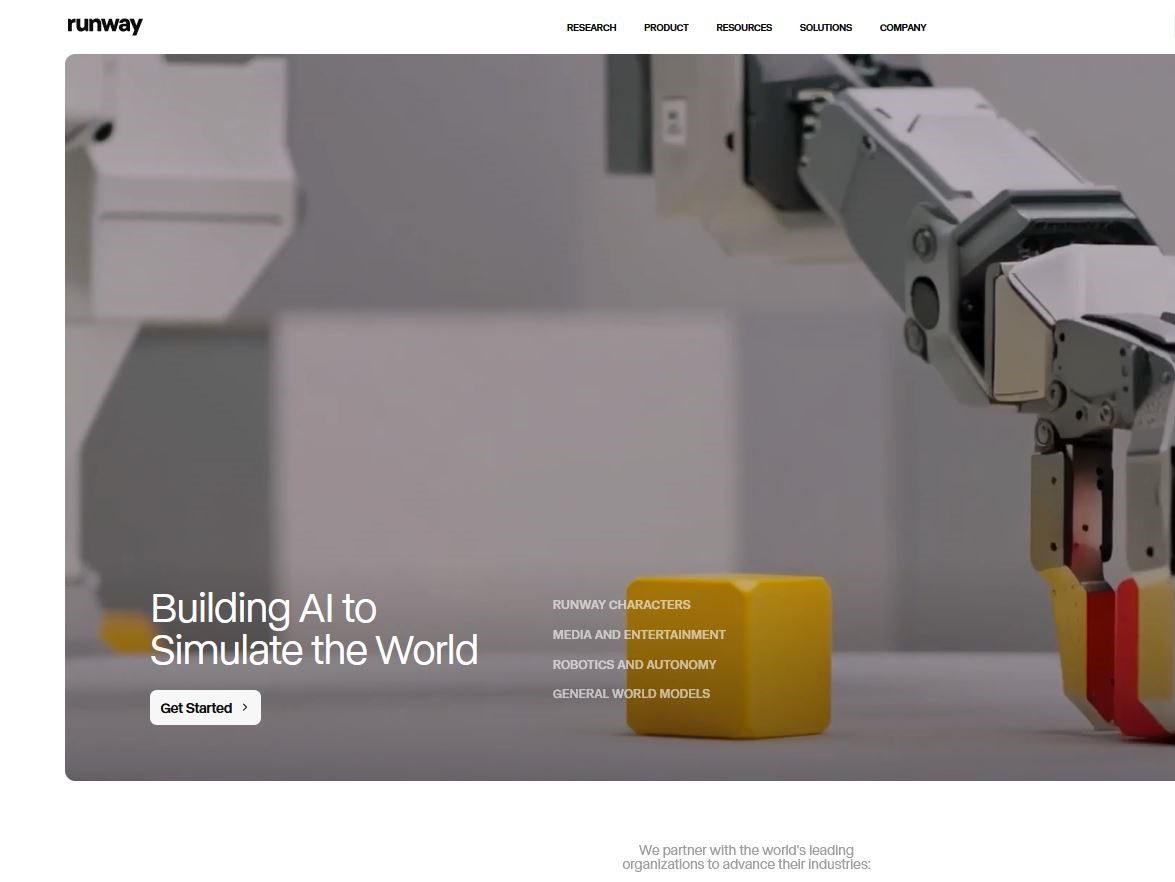
Runway is a browser-based AI media workspace for generating, transforming, and organizing short video, image, and audio assets. Its own models sit beside a growing selection of third-party models, so it is less useful to think of it as one “text-to-video model” than as a production surface for testing several approaches. A prompt, an image, a video, or a reference asset can be the starting point, depending on the tool and model chosen.
The practical value is speed during pre-production and short-form production. A filmmaker can turn a treatment into mood shots, a marketer can test several visual directions before a shoot, and a social team can create transitions or supplemental clips. It is not a substitute for a conventional editor, a color workflow, or rights clearance. The strongest results usually come from making a sequence of short, reviewable shots and finishing the approved material elsewhere.
What you can make and edit
- Text-to-video and image-to-video: create short shots from a written brief, a still, or a supplied first frame. This is useful for storyboards, motion concepts, B-roll experiments, and social assets.
- Runway video models: Gen-4.5 is the current flagship, positioned by Runway around motion quality, prompt adherence, and visual fidelity. Gen-4 Turbo is the faster, more credit-efficient option. Their cost and availability can differ by plan.
- Reference-driven work: Gen-4 References is designed to help keep characters, locations, and objects more consistent. A layout sketch can help establish composition, but it is still an aid rather than a guarantee of exact brand or product continuity.
- Transformation tools: Aleph 2.0 and related editing workflows can transform existing footage; tools such as segmentation, upscaling, audio, and export controls support a larger editing pipeline.
- Model choice in one workspace: current paid-plan pages list models including Gen-4.5, Aleph, Veo 3.1, Kling 3.0, and others. This can be convenient for comparison, but each model has its own output characteristics and credit rate.
Older Gen-3 Alpha and Gen-3 Alpha Turbo established Runway’s earlier generation workflow: image/video inputs, keyframes, camera controls, extensions, and video-to-video work. Gen-3 Alpha Turbo was introduced as a faster, cheaper alternative to Gen-3 Alpha. Gen-4 moved the emphasis toward fast, controllable, production-ready media and introduced a References workflow for more consistent characters and locations. In the current product, choose Gen-4.5 or Gen-4 Turbo when the plan and task permit rather than assuming an older Gen-3 workflow is the default.
Pricing and credit math
Runway’s Free plan is $0 and includes 125 one-time credits plus 5GB of asset storage. The credit deposit does not expire, but it is not a monthly allowance. On annual billing, Standard is $12/month for 625 credits per month and Pro is $28/month for 2,250 credits per month; the displayed monthly-billing prices are $15 and $35. Max is $76/month on annual billing for 9,500 monthly credits, while Enterprise is sales-led. Check the official Runway pricing page immediately before purchasing because model access and rates change.
Credits are a unit of generation rather than a fixed clip count. The official page says Gen-4.5 uses 12 credits per second; it illustrates Standard’s 625 credits as roughly 52 seconds of Gen-4.5 or 104 seconds of Gen-4 Turbo. Duration, selected model, resolution, and feature all affect consumption. Standard and Pro monthly credits reset around the billing date rather than rolling over; Max can carry up to one month forward. Purchased additional credits do not expire, and the published minimum purchase is 1,000 credits.
Limitations and production trade-offs
Generative video can make an impressive single take while failing on continuity across cuts. Hands, small text, logos, product geometry, physics, and identity details need human review. A reference image helps establish direction but does not remove the need to inspect every frame, especially for client work. Do not present generated scenes as documentary evidence, and confirm that your input assets, music, voices, and final use have the rights your project requires.
Budgeting also requires discipline. A short experimental prompt loop can consume credits quickly, and a cheap model is not necessarily the fastest route to an approved shot. Write a shot brief, fix aspect ratio and framing early, test a small batch, record the model and settings behind the chosen take, then move to the editor. Teams should also agree on file naming and the source assets that establish a character or brand look.
Who should use Runway?
Runway suits directors and editors making visual proofs of concept, designers exploring motion language, agencies pitching alternatives, and in-house social teams that need many short creative variations. Standard is a reasonable entry point for regular experimentation; Pro makes more sense when repeated iterations, larger storage, audio tools, and higher monthly credit volume are central to the workflow. The free tier is best treated as a hands-on evaluation, not a recurring content-production plan.
It is less suitable as a hands-off video factory, for long scenes requiring exact continuity, or where a client requires a reproducible frame-perfect result. Use a traditional NLE, compositing package, or 3D workflow alongside it when timing, typography, VFX integration, and delivery specifications matter.
Runway vs alternatives
Runway’s differentiator is the integrated workspace: its own generation and transformation tools, reference-oriented workflows, asset storage, and access to multiple external models in one billing surface. A specialized model may win a particular shot, so test the same prompt, reference, duration, and budget across candidates rather than relying on showcase reels. For still-image concept work, Midjourney is a different, image-focused option.
For a wider selection guide, see our practical Runway alternatives. Choose the tool that gives your team the most usable approved shots per hour and per credit, not merely the most striking first demo.