AutoGen Studio
What AutoGen Studio is
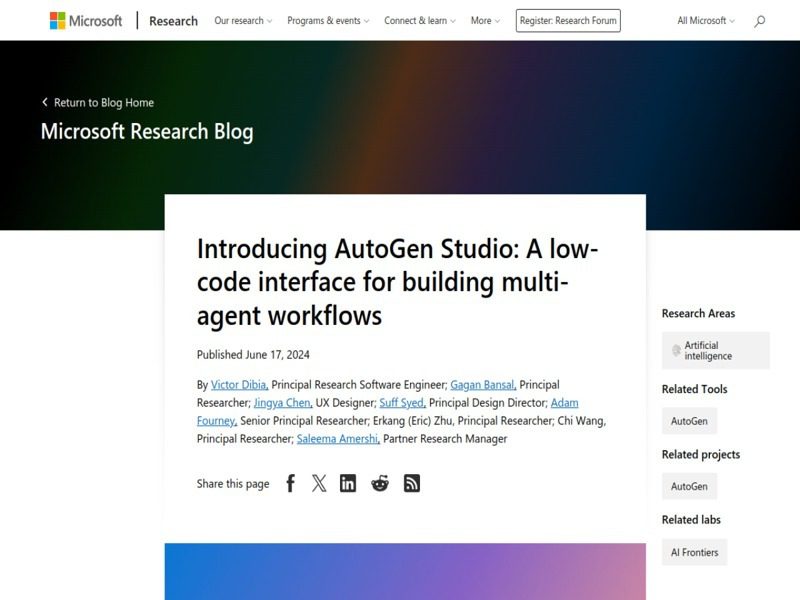
AutoGen Studio is a free, open-source web interface from Microsoft for prototyping multi-agent AI workflows. You install it with pip, run a local server, and get a browser UI where you can register models, define agents, give them skills and tools, compose them into teams and workflows, and then chat with the result to see how it behaves. It sits on top of the AutoGen framework, the multi-agent toolkit Microsoft released in 2023 that gathered a large following, passing 60k GitHub stars.
Two facts should frame any evaluation in 2026. First, the AutoGen project overall entered maintenance mode. The repository README now states that AutoGen will not receive new features, is community managed going forward, and that Microsoft points new users to its successor, the Microsoft Agent Framework, which reached a production-ready 1.0 with stable APIs and long-term support commitments. Second, AutoGen Studio itself carries an unusually blunt warning from its own README. It is a research prototype meant for rapid prototyping and demos, explicitly not a production-ready app.
What you can actually do in it
- Agent and team builder. Create assistant agents backed by models from OpenAI and other providers, then compose them into teams such as a round-robin group chat where agents take turns.
- Skills and tools. Attach tool use, including MCP servers via the standard plumbing, and reusable skills that agents can call.
- Gallery of runs. Interact with teams in sessions, inspect message history, and watch how a multi-step task gets delegated and executed.
- Configurable storage. The database layer uses SQLModel and defaults to SQLite in your home directory, and can be pointed at PostgreSQL or other SQLAlchemy dialects with a flag.
- Studio Lite. A lighter mode for quick experiments without the full database, launchable from the CLI or programmatically from Python.
A typical session
After pip install -U autogenstudio in a Python 3.10+ environment and exporting your model API key, you run autogenstudio ui --port 8081 and open localhost in a browser. You add a model client, build a two-agent team where a primary agent plans and a critic agent reviews, run a task like drafting a short report, and watch the conversation unfold. The value is exactly this loop. You learn how delegation, termination conditions, and tool use behave before writing any framework code.
Working tips
- Use Docker for code execution. The README recommends a containerized execution environment for agents that run generated code. Running arbitrary model-written code on your host is the main way this goes wrong.
- Expect breaking changes. The Studio rewrite onto the AutoGen 0.4 AgentChat API landed in late 2024, and the package has stayed in 0.4.x with irregular dev releases since. Pin your version and treat upgrades carefully.
- Keep an eye on the underlying framework's status. With AutoGen in maintenance mode, new projects at Microsoft are directed to Agent Framework. Check the migration guide before committing new work to AutoGen APIs.
- The app stores its database and files in a dotfolder under your home directory by default. Use the
--appdirand--database-uriflags to keep experiments isolated and easy to wipe.
Hard limits you should not talk yourself out of
The security note deserves quoting in spirit. AutoGen Studio does not implement authentication, permission-scoped data access, or protections against jailbreaking. Those are the features a deployed app needs and a local prototype does not. Exposing the UI to a network, letting it touch production credentials, or letting end users drive agents that act on real systems are all bad ideas with this tool. The 2026 maintenance-mode decision adds a strategic risk. Your prototype investment may not carry forward, since Microsoft's own recommendation is to build new applications on Agent Framework.
AutoGen Studio vs LangGraph vs CrewAI
LangGraph is an orchestration runtime with durable execution and fine-grained control, aimed at engineers writing production agents. CrewAI offers role-based orchestration that many teams find quicker to stand up. AutoGen Studio is the most visual and demo-friendly of the three, and the cheapest way to understand multi-agent conversation patterns, but it is the only one whose own documentation tells you not to ship it.
Who should still use it
Researchers, educators, and engineers who want to build intuition about multi-agent systems quickly, or who maintain existing AutoGen-based work. If you are starting a production project in 2026, evaluate the Microsoft Agent Framework or LangGraph first and use Studio as a sandbox for ideas.
Useful links
- AutoGen Studio on GitHub
- AutoGen framework docs
- Microsoft Agent Framework, the successor
- Compare with LangGraph and CrewAI on our site