OpenCode
What OpenCode is
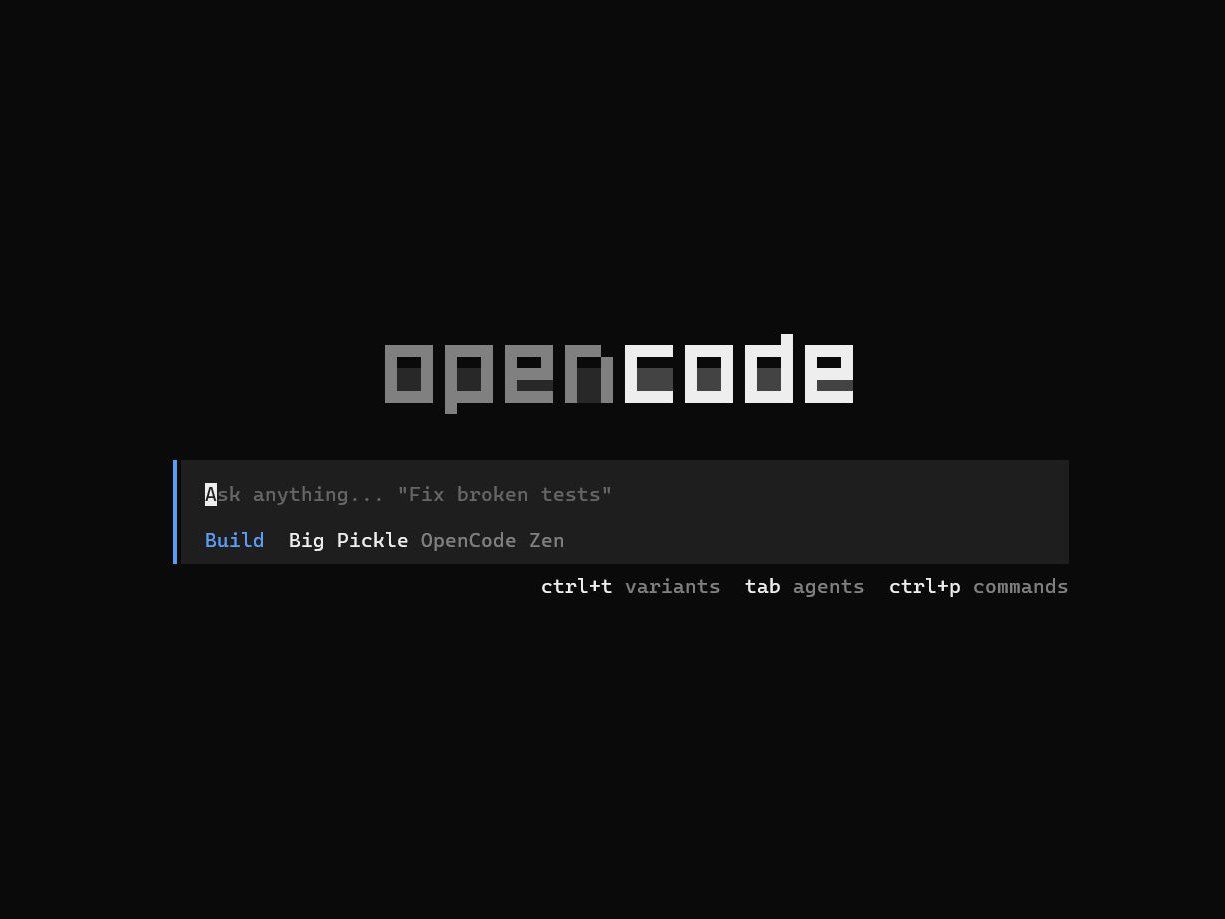
OpenCode is an open-source AI coding agent from Anomaly. It started as a terminal-first tool, and the current project also offers a desktop app and IDE extension. The source code is published under the MIT license in its GitHub repository. That gives developers a real choice of interface and model provider, but it does not make code generation local by default. A request still goes wherever the selected provider sends it.
The terminal workflow is straightforward. Open a repository, connect a provider or use OpenCode Zen, then ask the agent to inspect, plan, edit, and test. It can create an AGENTS.md file with project instructions through /init. Those instructions can carry the test command, package manager, code style, and areas an agent must leave alone from one session to the next.
OpenCode is useful when a team wants control over its coding-agent surface while retaining a choice of models. It is a poor fit for anyone looking for a hands-off deployer or an effortless private setup. Model credentials, tool permissions, source-code exposure, and review still need an owner.
How the workflow is put together
The default Build agent has access to development tools. The built-in Plan agent is meant for analysis and code exploration, with edits denied by default and shell commands requiring approval. OpenCode also includes specialized subagents. This split is handy in an unfamiliar repository. Start in Plan, get a file map and a test plan, then switch to Build only after the task and limits are clear.
The provider layer is broad. OpenCode documents support for more than 75 LLM providers and local-model routes including Ollama, LM Studio, llama.cpp, and custom endpoints. Provider keys added through /connect are stored locally in ~/.local/share/opencode/auth.json. A local model can reduce what leaves a machine, but it does not remove the need to protect that credential file, inspect plugins, or understand any proxy between the client and model.
For a managed route, OpenCode Zen offers a curated set of models through its own gateway. Zen is optional. It is pay-as-you-go, model availability changes, and prices are listed per million tokens rather than as a single OpenCode subscription. Check the live Zen page before estimating a team budget.
Four ways to use it without making a mess
- Begin with a read-only pass Use Plan to ask for the relevant files, existing conventions, likely failure points, and exact verification commands. Ask it to stop after the plan. This catches a surprising amount of invented context before a single file changes.
- Commit a short AGENTS.md Put the project’s install command, test command, formatting rule, generated-file policy, and forbidden paths in it. Keep it factual and short. The agent sees it as project context, while a reviewer can see what guidance it received.
- Set permissions narrowly OpenCode can allow, ask about, or deny individual actions. Keep destructive shell patterns such as
rm *denied, require approval for broad commands, and allow only the paths the task needs. Do not turn on--autofor an unfamiliar repository just to avoid prompts. - Choose a model after a repeatable trial Give two providers the same small issue, repository revision, prompt, test command, and review checklist. Record token cost, retries, diff quality, and time spent fixing mistakes. The model that wins a demo may lose on the actual review loop.
Costs, privacy, and sharing need separate checks
The OpenCode client is free software. Your model bill is a separate decision. With a direct provider connection, that provider’s API pricing and retention terms apply. With Zen, charges accrue per request. Zen documents workspace-level and member-level monthly limits, but its auto-reload setting can add credit when a balance falls below the chosen threshold. Set a small limit first and inspect usage before enabling it for a whole team.
OpenCode’s Zen documentation says its listed models are hosted in the United States and that providers follow a zero-retention policy, then lists exceptions for particular free or contributor models. Some temporary free models collect data for model improvement, and NVIDIA trial endpoints explicitly say not to submit personal or confidential data. Treat a green “Free” label as a reason to read the endpoint terms, not as a security property.
Session sharing has a similar sharp edge. Sharing is manual by default, but a shared conversation gets a public URL available to anyone with the link. Review the prompt, pasted logs, repository paths, and generated output before using /share. A terminal transcript can contain much more than the code diff.
Limits and public feedback
Open source changes the control surface, not the basic failure modes of coding agents. An agent can misunderstand requirements, invent an API, overreach into adjacent files, or run a command that is inappropriate for the environment. Multi-provider support also adds setup work. Each provider has its own keys, models, quotas, outages, and data terms. The right configuration for a personal experiment will often be too loose for a production repository.
For a useful view of real friction, read the public GitHub issue tracker rather than relying on launch screenshots. It shows reports around providers, configuration, platform behavior, and agent workflows, together with maintainer replies and release changes. Those reports are not a benchmark and do not predict your environment. They do make a good pre-rollout checklist.
OpenCode suits developers and small teams that are comfortable with the terminal, can manage provider accounts, and review diffs before merge. It is less suitable for teams that need one vendor to own all model procurement and support, or for sensitive repositories where the chosen provider and permission policy have not been approved.
Useful links
- OpenCode documentation, installation, terminal usage, desktop app, and IDE extension
- Provider documentation, connection methods, local endpoints, and credential location
- Permission documentation, action approvals and path-level rules
- OpenCode Zen, current model list, token rates, monthly limits, and privacy exceptions
- Compare terminal-oriented options with Gemini CLI, Qwen Code CLI, and Claude Code. Our guide to free AI coding tools covers a wider starting set.