Bolt
\n
What Is Bolt?
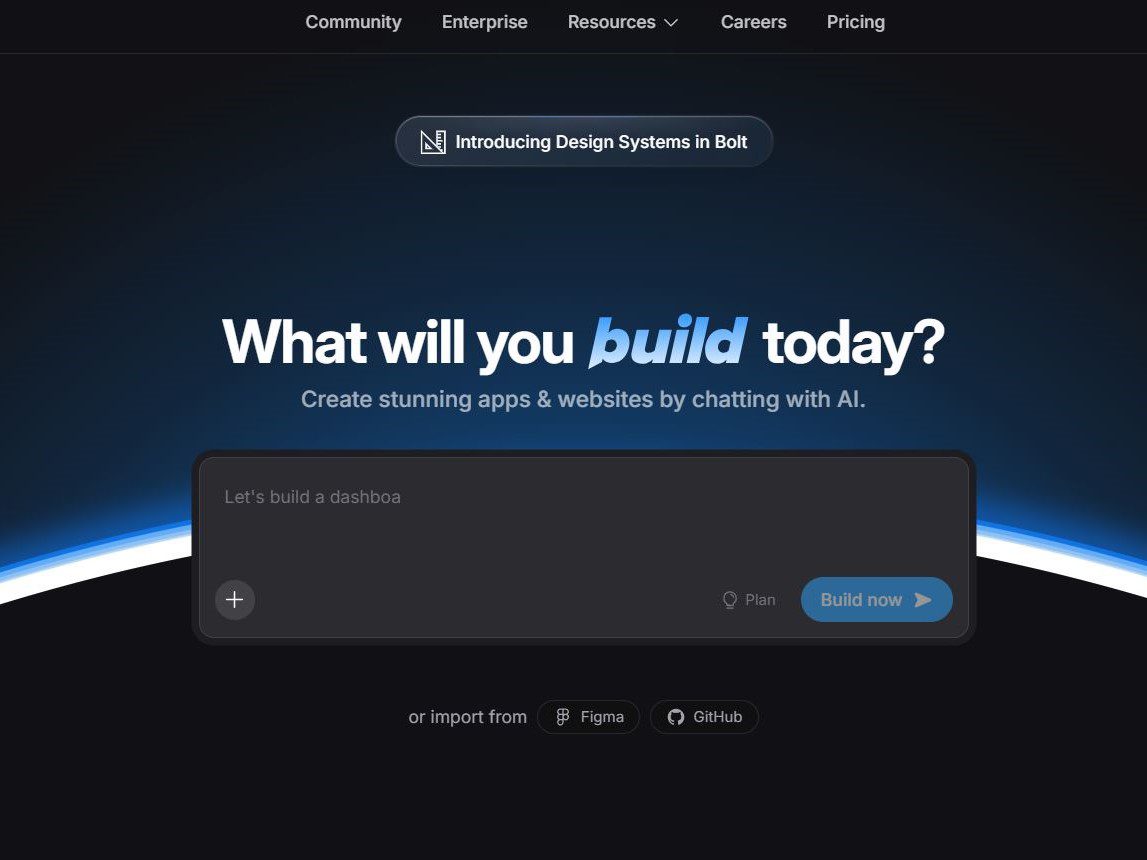
Bolt is StackBlitz’s AI web-app builder with prompt generation, browser runtime, preview, editing, and deployment workflows. Separate the product surface from the model underneath: the IDE or CLI decides how work is staged, while the model and account determine much of the speed, context, and cost.
A useful test is a small real repository task. Ask for a plan, require a narrow diff, run existing tests, then inspect every changed file. That shows whether the workflow saves review time or simply moves it later.
StackBlitz provides a development collaborator, not an authority on requirements or quality. Clear acceptance criteria, repository instructions, least privilege, and a human reviewer remain necessary.
Key Features
- runnable prompt-to-app: useful only when it shortens a real development loop, not a demo.
- WebContainers: useful only when it shortens a real development loop, not a demo.
- live preview: useful only when it shortens a real development loop, not a demo.
- browser sharing: useful only when it shortens a real development loop, not a demo.
Pricing
Free is $0 with public/private projects, 300K daily tokens, and 1M tokens/month; reviewed official card did not expose reliable paid amounts. This is stated as of August 2026. Check the official pricing or product page for live availability, taxes, regional terms, and limits.
Limitations and Trade-offs
- token caps are real. Confirm it against the account, region, and project configuration before rollout.
- native dependencies differ. Confirm it against the account, region, and project configuration before rollout.
- code needs review. Confirm it against the account, region, and project configuration before rollout.
Compare tools on the same issue, repository snapshot, test command, and review checklist. A good chat answer does not prove reliable multi-file work, and a free allowance matters only if it covers the work you actually do.
Who Should Use Bolt?
people needing fast web prototypes. Individual developers should begin with a non-sensitive repository, maintain a clean branch, and review proposed shell actions. Engineering managers should include identity, data retention, audit trails, heavy-user cost, and exit options in the decision.
Practical evaluation: start with a ticket that has a known acceptance test and no production credentials. Ask the assistant to identify relevant files and assumptions before it edits anything. Keep the request bounded: one defect, one component, or one migration step. Review the diff for invented APIs, changed lockfiles, weak error paths, and accidentally broad configuration changes. Run unit tests, linting, type checks, and the narrow manual scenario that prompted the task. Record time spent prompting, reviewing, and repairing the result, not only the time to the first generated code. Repeat that exercise with the same model, repository snapshot, and permissions when comparing plans. This is especially important with agent tools: an impressive autonomous run may hide retries, token consumption, or commands that a teammate would not approve. A tool earns a place in a workflow when its verified output saves time consistently, and when a failure is easy to understand and undo.
Bolt vs Alternatives
Bolt belongs to a crowded category, so workflow fit matters more than a universal ranking. GitHub Copilot is convenient for GitHub-centered teams and mainstream IDEs. Claude Code, Gemini CLI, Kimi Code, Qwen Code CLI, and OpenCode are more terminal- and agent-oriented. Bolt and Replit prioritize a browser-hosted route from idea to demo.
If cost is the first filter, read our guide to free AI coding tools. For terminal-agent comparisons, these Claude Code alternatives show where model choice, local control, and fixed subscriptions diverge.
\n