DeepSeek Harness Review 2026
DeepSeek Harness Review 2026: what "everything is a plugin" actually means for your workflow
DeepSeek shipped something unusual in August 2026. Instead of another model checkpoint, the company released DeepSeek Harness, an open-source agent harness known as dsh, under the MIT license. Within three days the GitHub repository passed 120,000 stars, which tells you the timing caught the agent-builder crowd at exactly the right moment.
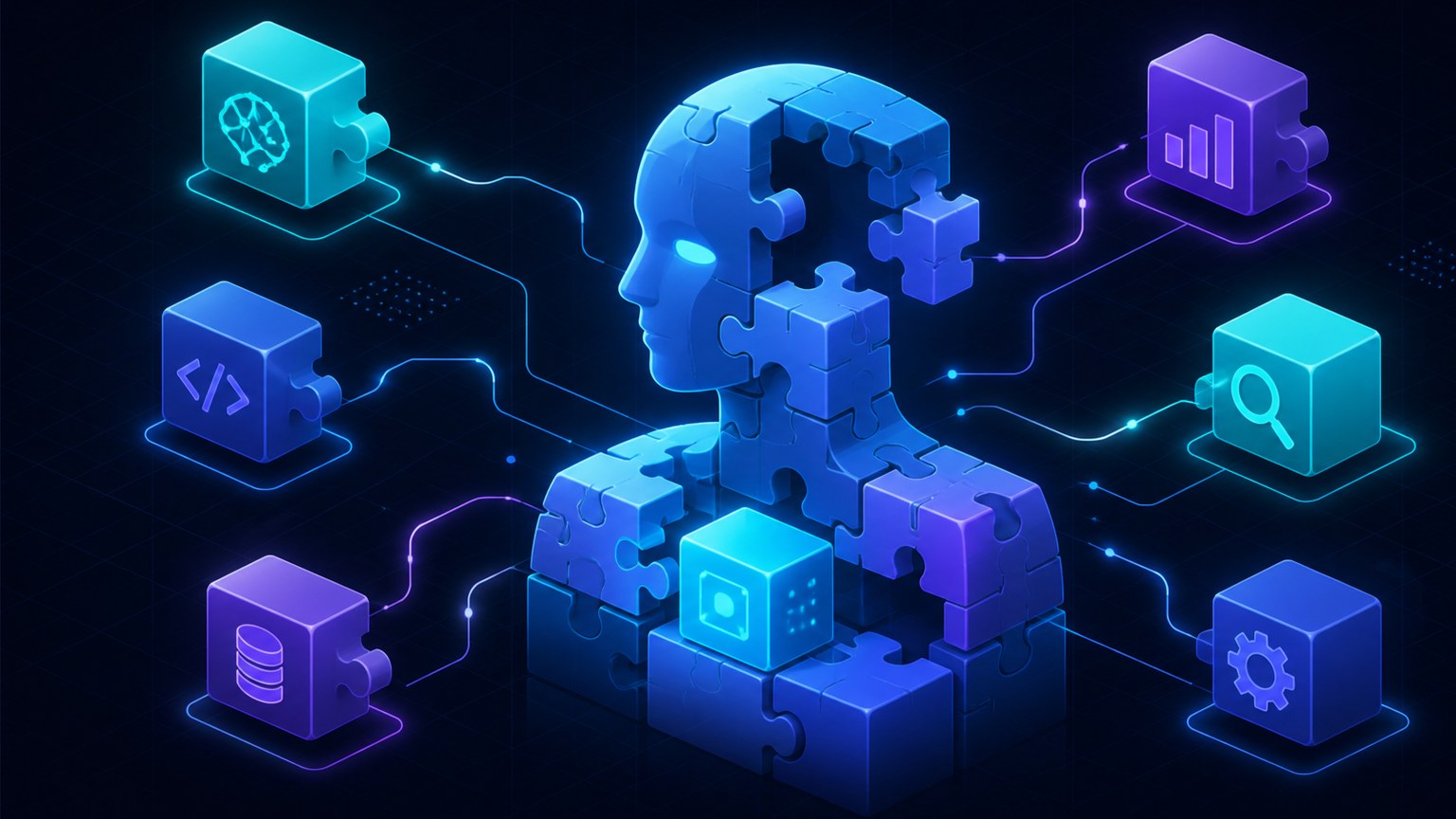
The one-line pitch is "everything is a plugin." In practice that means the model adapter, the tool registry, the session log, the sandbox, even the agent loop itself are all replaceable Cordis plugins, composed at boot and swappable from a configuration layer rather than through forks of the source. That claim deserves a closer look, because agent frameworks tend to advertise modularity and then hide a privileged core somewhere in the middle. This review walks through what dsh actually does, how it feels to run, where the rough edges are, and who should be paying attention.
What DeepSeek Harness is, and what it is not
Dsh is not a model and not a hosted product with a monthly seat price. It is the harness layer that sits between a language model and the work you want done. The DeepSeek team frames it as Agent = Model + Harness, where the model contributes reasoning and the harness contributes environment understanding, tool use, and the ability to keep working across a real session. You supply the API key; the harness supplies the scaffolding.
Three facts anchor the project. First, it is genuinely open source under MIT, with the trade-offs that implies. Second, it is written in TypeScript on top of Cordis, a composability framework whose design is documented in a separate paper. Third, it is explicitly a developer preview, and the README says so in capital letters, compatibility-breaking changes are coming. Anyone evaluating it should read that warning literally.
The architecture: Cordis kernel, capabilities as plugins
The structural idea is easier to evaluate than the marketing suggests. There is a small Cordis kernel that only handles plugin loading, unloading, and dependency relationships. It carries no agent capability itself. Every capability, including models, tools, skills, sessions, sandboxing, storage, loops, scheduling, and the web UI, arrives as a plugin that cooperates through Cordis services and events. There is no privileged core to patch. You extend dsh by mounting a plugin beside the others, and registrations unwind when their plugin unloads.
Composition happens in ordered layers. A profile is a named composition stored in the harness home; web and headless ship as templates. A bundle is a distribution format for config rows and the code they mount. Running dsh --profile web --dump-config prints the actual plugin tree your machine boots, and any printed row can be replaced by a patch file of your own. For teams that have maintainability concerns about framework churn, this is the part worth studying: the architecture document, not the demo, is the strongest artifact in the repository.
Run modes: standard, PTC, minimal, and create
Dsh ships four presets, and the differences matter more than they first appear.
- Standard mode is a fully featured coding agent with file editing, shell, file and web retrieval, skills, plans, goals, subagents, and workflows.
- PTC mode keeps the full standard toolkit but presents tools through a Code Mode SDK, letting the model compose multi-step operations as one TypeScript program instead of a long chain of individual tool calls.
- Minimal mode strips everything down to a persistent bash tool and a single file editor. DeepSeek positions it for model benchmarking in minimal environments, which is a quietly useful signal about how the company measures its own models.
- Create mode can inspect the current runtime, experiment with Cordis plugins in memory, and compose new presets. It is aimed at people building custom agents rather than people using them.
If your interest is day-to-day coding assistance, standard mode is the honest default. If your interest is building a product on top, create mode plus the architecture docs are the real feature.
Running it: the web UI in practice
Installation is deliberately boring. With Node.js installed, npx @deepseek-ai/dsh web starts a web interface at http://127.0.0.1:3080. A source checkout follows the usual pnpm build path. The first-run flow has three steps worth knowing in advance. You add a DeepSeek API key under Settings, Models. You then pick a workspace directory, and the session composer stays disabled until you do. After that, a session can read and edit workspace files, run commands, delegate work, and maintain a plan, with the UI asking for approval before operations that require it under the active permission policy.
The part that earned my attention during testing is the session log. Everything the model sees is written to an append-only log, including system prompts, chain of thought, tool calls and results, subagent scheduling, and every context injection. A trajectory view lets you inspect these by source, and fork, resume, search, and replay all share the same event stream. The project states an invariant worth quoting indirectly, anything model-visible must be reconstructable from the log, and a runtime assertion checks it. For anyone who has tried to debug why an agent did something, an append-only record of exactly what the model saw is a meaningful debugging primitive, not a gimmick.
What users are saying so far
Community reaction in the first days has split along predictable lines, and it is worth separating the signal from the excitement. Developers praise the plugin granularity, the quality of the architecture documentation, and the fact that a frontier lab released infrastructure rather than another inference endpoint. Chinese-language coverage has emphasized the openness of the architecture. The cautionary notes are equally consistent. Because this is a developer preview with promised breaking changes, early adopters report API churn between updates, and the plugin ecosystem outside the bundled set is still thin. Anyone betting production workloads on it this quarter is taking real churn risk, and the project itself would tell you the same.
Limitations and risks
- Developer preview churn. Breaking changes are announced policy, not an accident. Pin versions and expect migration work.
- Young ecosystem. The bundled plugins are solid; the community plugin space is just forming, with a
dsh-pluginGitHub topic for discovery. - Approval policy matters. An agent with shell and file editing needs a deliberate permission posture. Test with a throwaway workspace first.
- Cordis learning curve. Plugin development assumes familiarity with Cordis services, events, and reversible effects. Budget reading time for the primer and tutorial.
- Node.js runtime. The happy path assumes Node. Teams standardized elsewhere should verify the headless path fits their stack.
Who should try it, and who should wait
Try it now if you build agent tooling, evaluate harness architectures, benchmark coding agents, or want a self-hosted alternative with an inspectable event log. The minimal mode alone is a reasonable harness for clean model comparisons. Wait if you need a stable product with a support contract, a rich third-party plugin market, or multi-year API stability. This is infrastructure for people who read architecture documents, and the project is honest about that.
For a broader picture of the company behind it, see our DeepSeek listing, and for the harness itself, DeepSeek Harness listing. If you are comparing agent frameworks, our guides on OpenClaw and Claude Code cover the hosted and terminal-first alternatives.